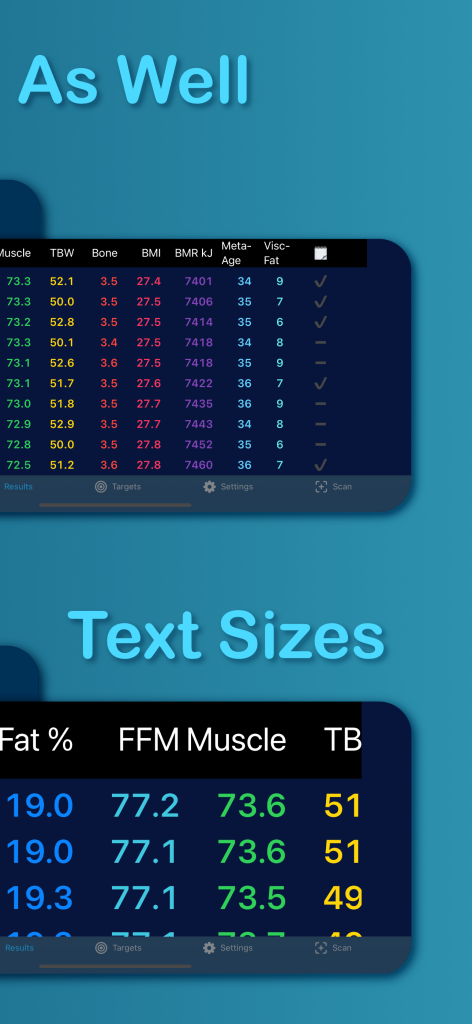
BeaM It
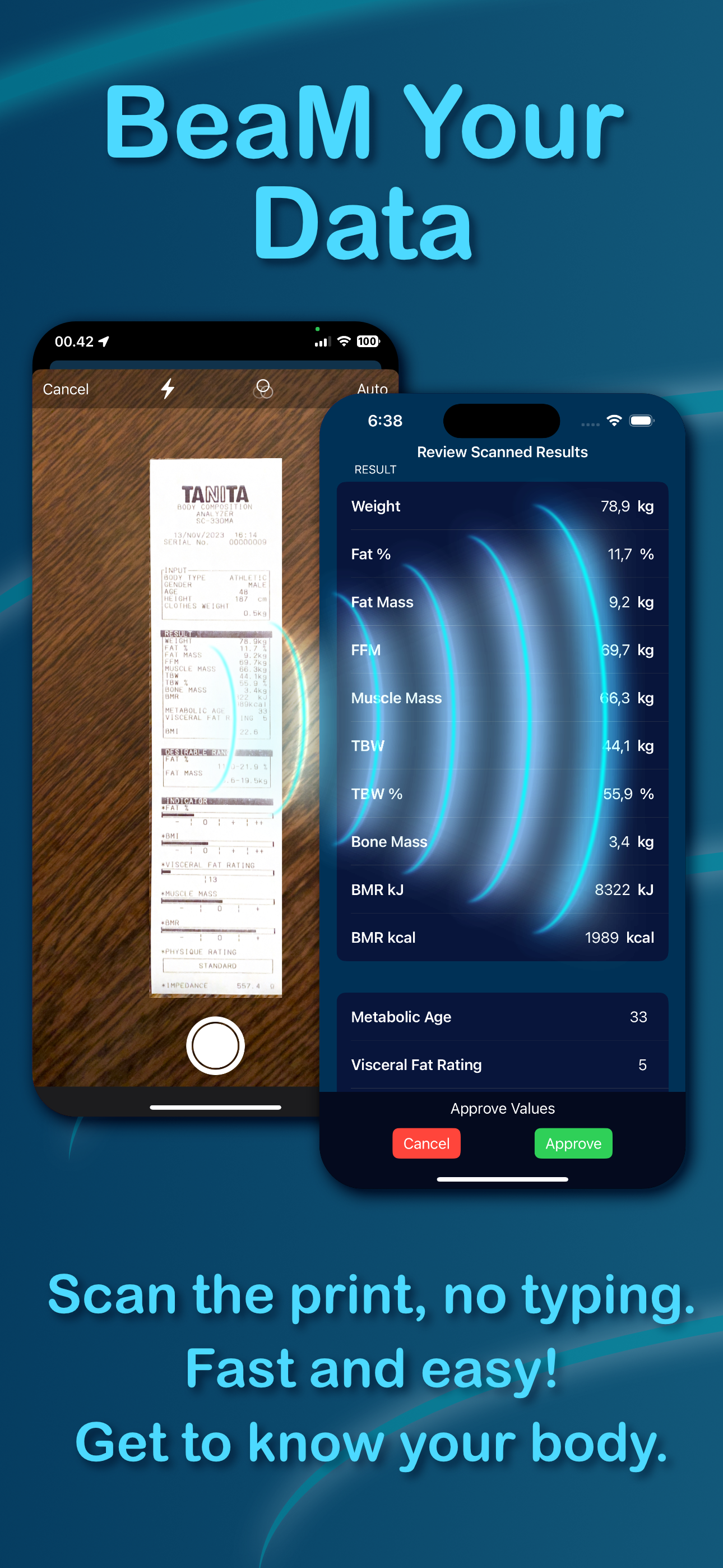
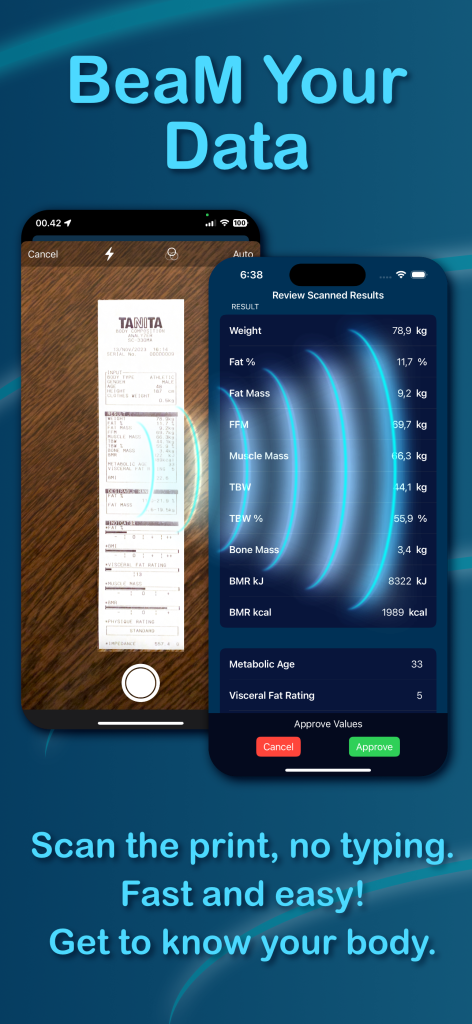
Scan Your Tanita Printout
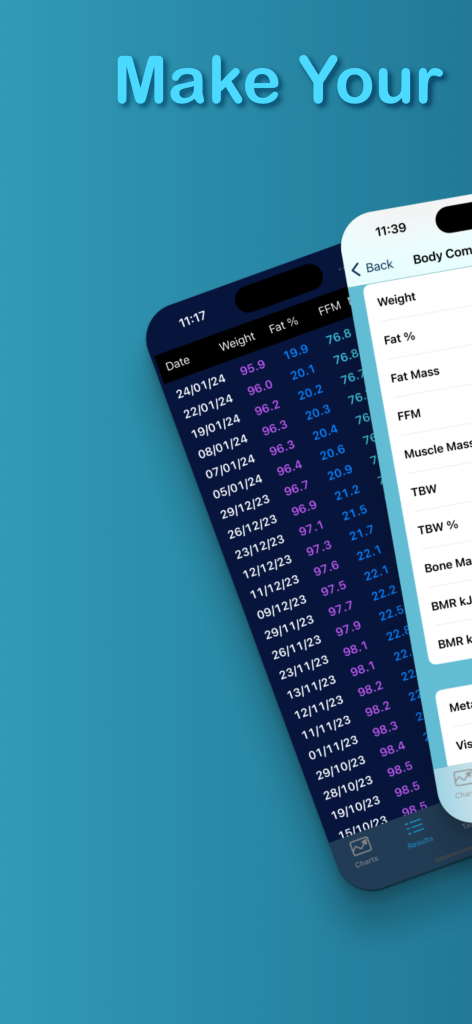
Easily Track Your Results
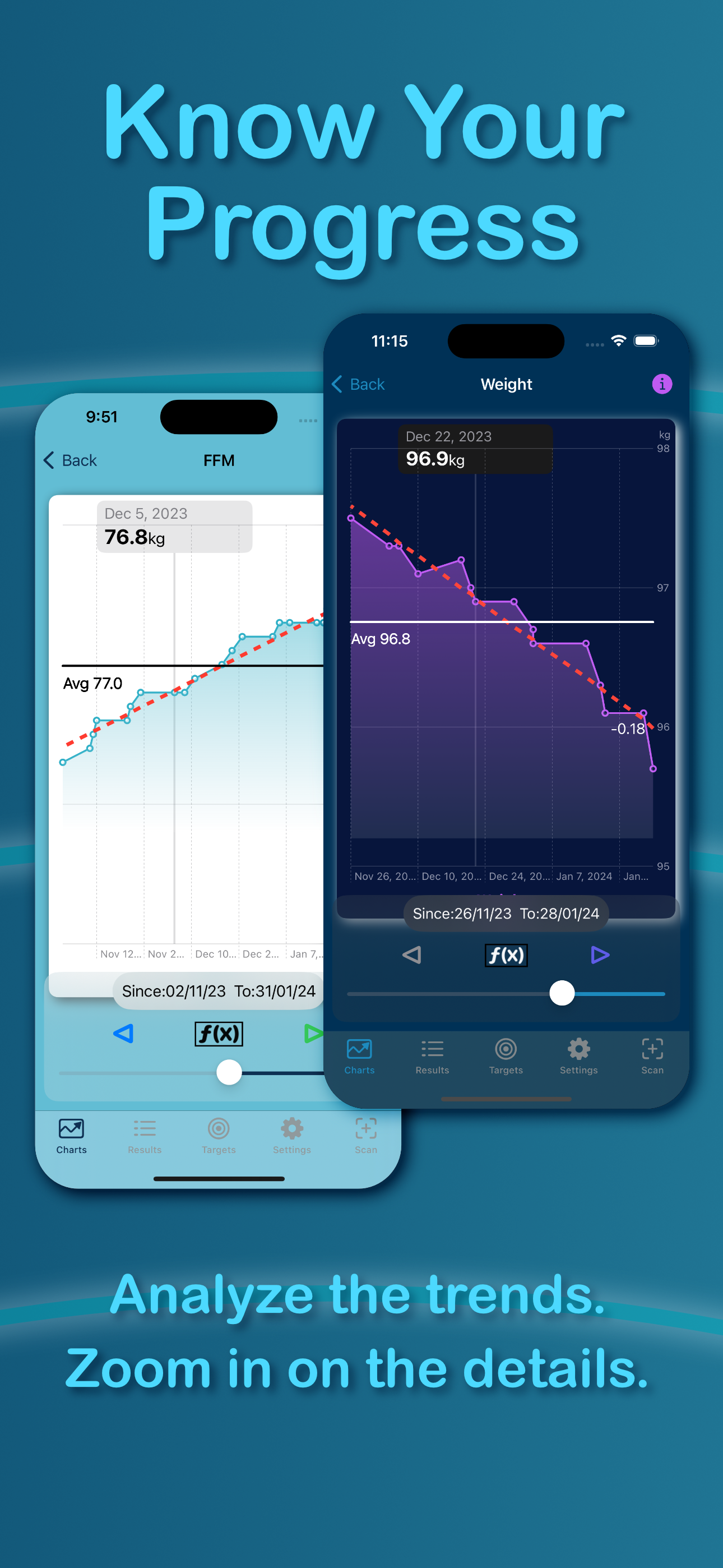
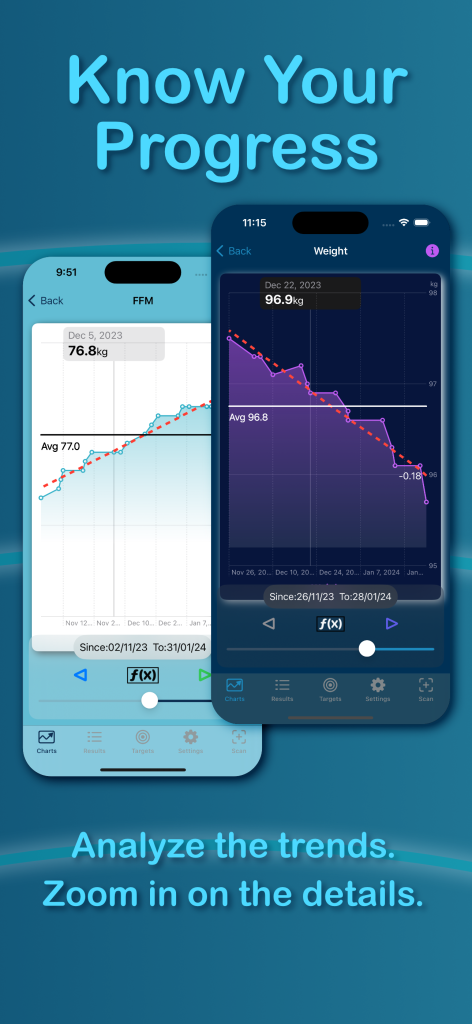
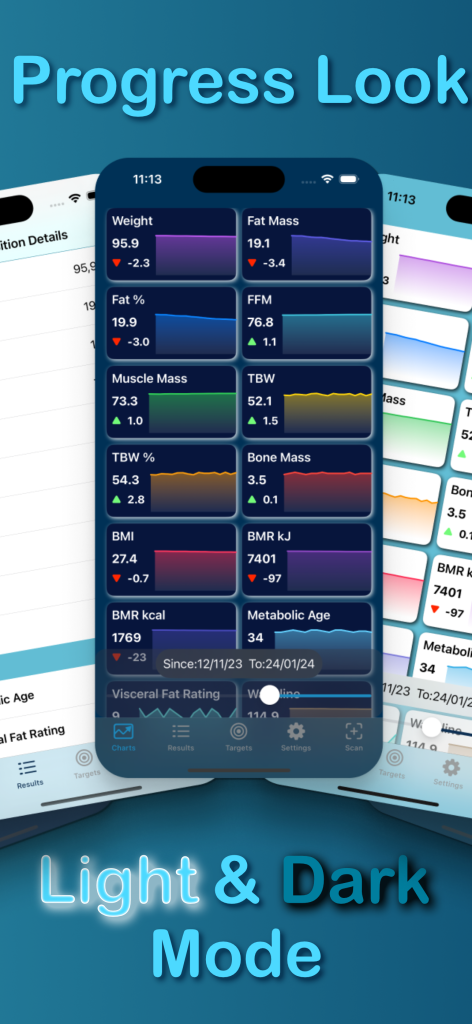
Watch Your Progress
Analyze the trends
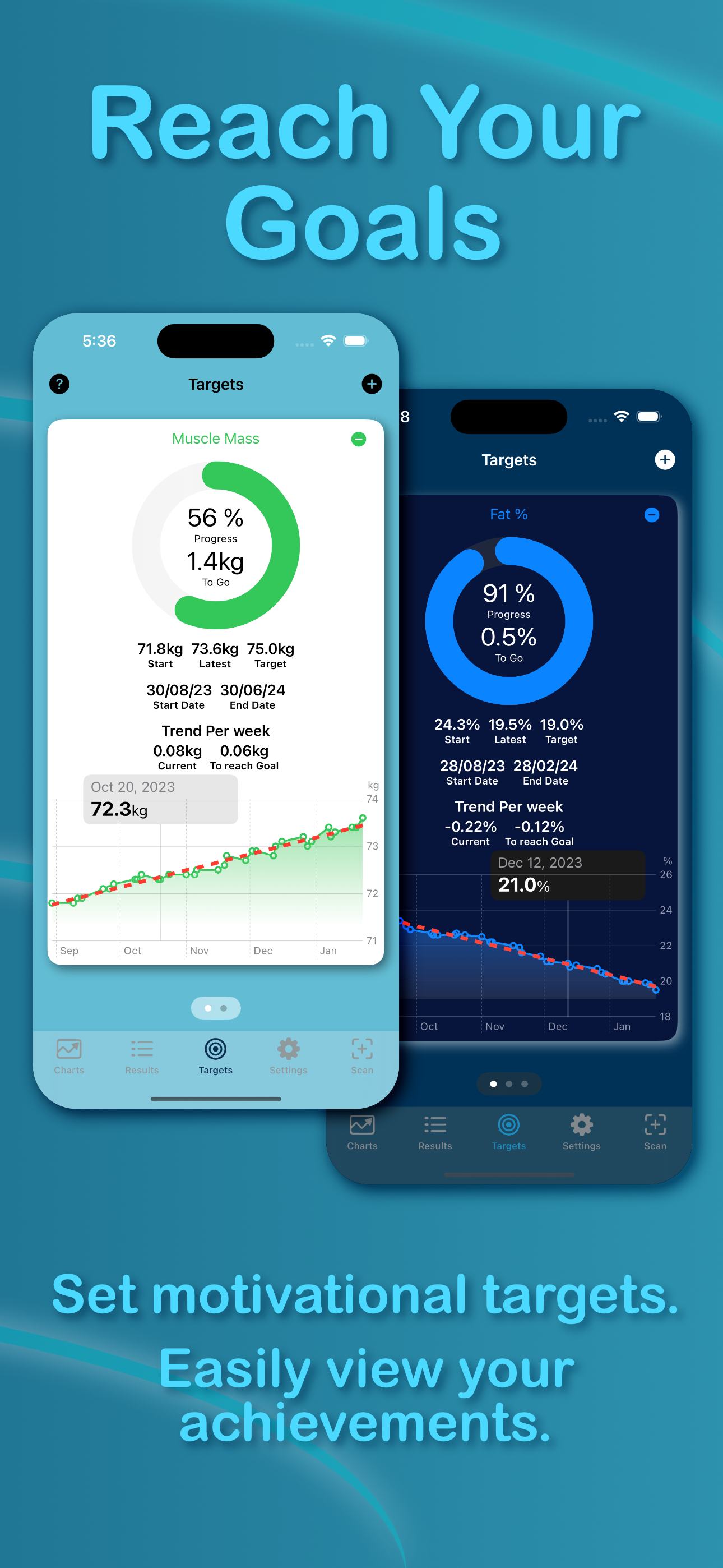
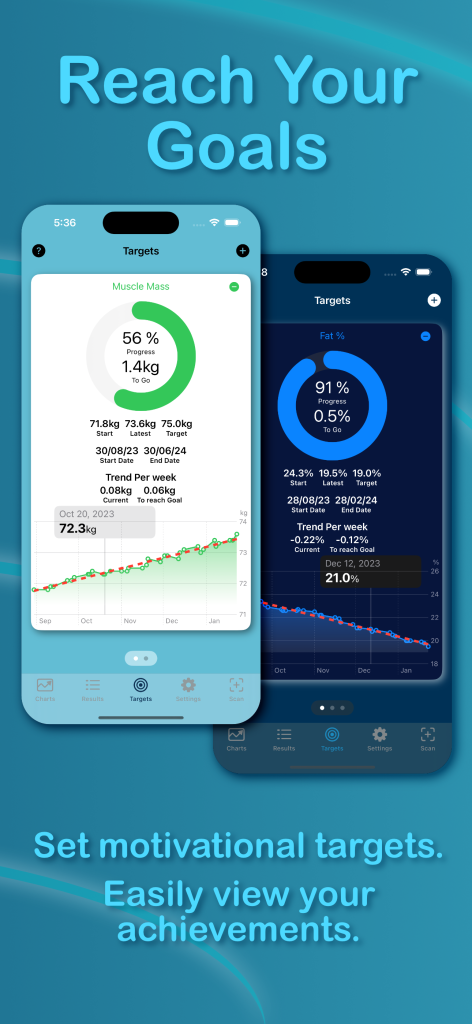
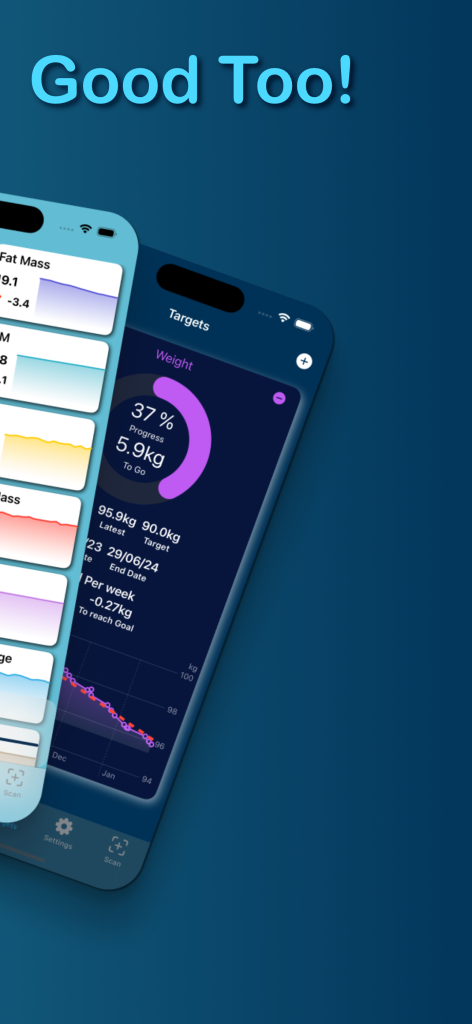
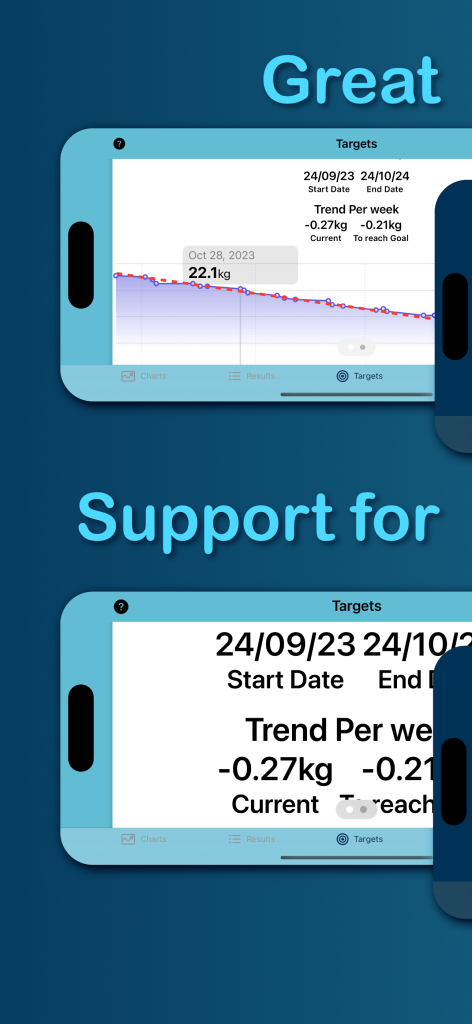
Reach Your Goals
Set Motivational Targets
FAQ
How Do I Optimize the Scanning Process
Keep the printout totally flat and place it on a dark background.
Keep the camera still by supporting your arm or hand.
If you get many errors, please experiment with the distance to the printout. It seems like you should keep a longer distance than you might expect.
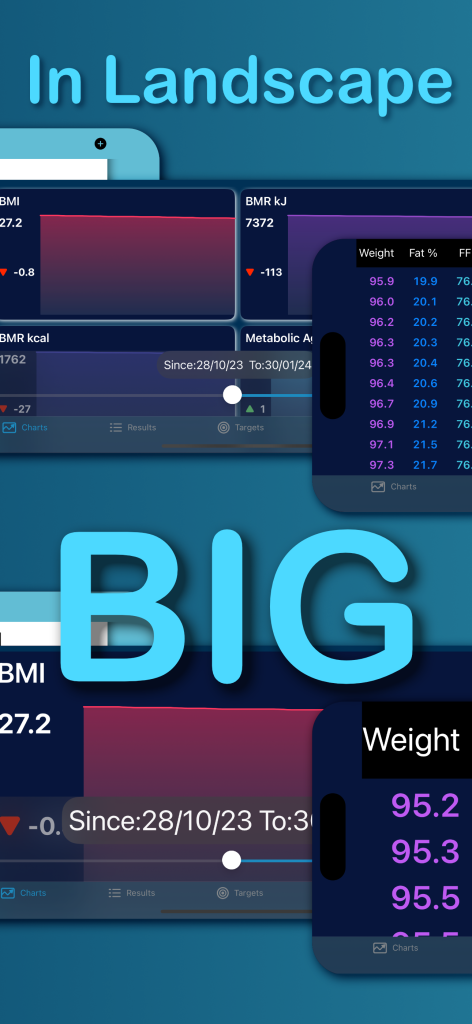
Why can’t I use the slider
The slider is active when you have more than 2 scan’s. The nob turns white, and should be dragged all the way to the ends in the beginning.
Promotional Images